.png)
Build the Data Foundation Your AI Can Actually Rely On
Connect your CRM, core systems, and data infrastructure into pipelines that are scoped and priced before projects start.






Connect what you already run before you build on top of it
AI projects often hit the same problem; the data they depend on is scattered across systems that were never designed to work together. We map what needs to connect, what it will take, and what it will cost before integration work starts.
A clear picture of your CRM, core systems, databases, and data sources, what each contains, how accessible it is, and what it will take to connect them.
The API design, data flow, and access model built around your specific systems, data, and integration requirements.
The ingestion, transformation, and storage layer that moves your data from where it lives to where your AI needs it, tested against representative data volumes and real-world edge cases.
Personal data gets identified and redacted at the pipeline layer before it reaches any downstream system or model, agreed before any data moves, not bolted on afterward.
A schema registry and contract tests sit in front of your pipelines, so a breaking change gets rejected before it lands, not flagged after bad records are already downstream. Where detection is the only option, a silent upstream change we can't contractually block, you get alerted immediately, with the affected records identified so cleanup starts in minutes of flagging.
How we decide what to connect first
Before engineering starts, we assess every system in scope and place it into one of three categories.

Connect Now
The system has usable data, accessible interfaces, and a clear integration path. We define the scope and timeline and move it into the first phase of work.

Needs Prep First
The connection is viable, but something needs to be resolved first, such as access permissions, data cleanup, or a dependency on another system. We identify the requirement and estimate the work before integration begins.

Not Worth Connecting Yet
The cost or complexity outweighs the value it would deliver right now. We explain why, and what would need to change for the integration to make sense later.
See what our customers say



From audit to a working pipeline
A structured engagement that turns scattered systems into a connected, reliable data foundation.
Audit Systems & Data
We map every system in scope, what data it holds, how accessible it is, and what connecting it would actually require.
Design the Integration Architecture
We define the data flow, access model, and API design around your specific systems, data, and integration requirements.
Build the Pipeline
We build the ingestion, transformation, and storage layers and test them against representative data volumes and real-world edge cases.
Security & Access Review
We lock down permissions, encryption, and isolation boundaries before any data moves into production.
Deploy & Handoff
The pipeline goes live with monitoring in place, and we hand over the documentation and access your team needs to operate and extend it.
How we handle data governance and compliance

Data Residency
Where your data can live and be processed is a requirement, not an assumption, including regulatory requirements for financial-services data. We confirm your residency obligations before making an architecture decision.

Access Control
Every system connection only reaches the data and actions your team has explicitly approved. Nothing is granted by default.

Audit Trail
Every data movement is logged and traceable, so if something goes wrong, your team can see exactly what happened and where.

Rollback & Recovery
A defined rollback path exists before any pipeline goes live, so a bad deployment doesn't become a data incident.
Built on infrastructure your team can maintain
We build on established data infrastructure and tools so your internal team can maintain after handoff.
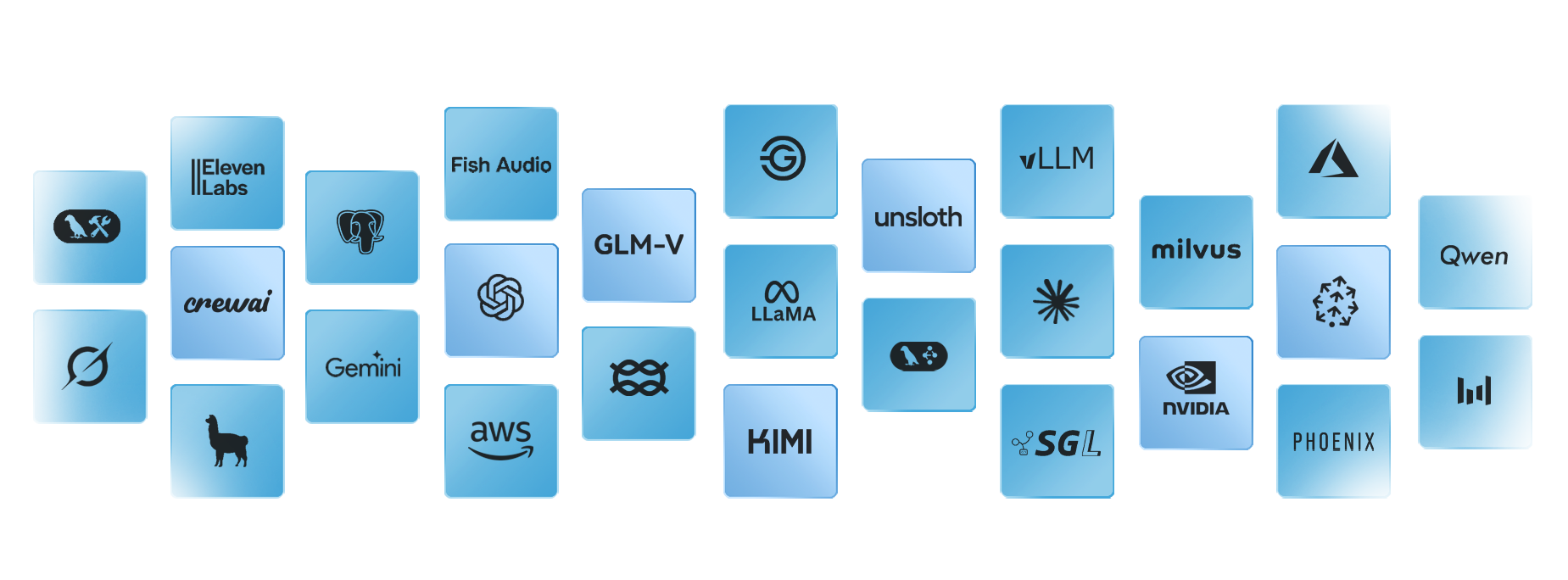
The systems we connect most often
Not every integration looks the same. These are the patterns we build most often, based on the systems our clients actually run.
Frequently asked questions
What counts as data and system integration work?

How is this different from AI Agent Development?
Do you need full access to every system upfront?
What if a system isn't worth connecting yet?
How long does this take?
Who owns the resulting architecture?
What happens if something breaks after launch?
Will our data be used to train public AI models?
What is a data pipeline?
What's the difference between ETL and ELT?
What is system integration?
What comes after the integration

AI Agent Development
Authenticate the caller, pull real account data, and resolve it without a handoff.
AI Governance & Readiness Review
Get the stalled-pilot problem named and fixed before it scales.
Ready to know what it actually takes to connect your systems?
We’ll assess your systems, dependencies, and access requirements so you know what needs to connect, what it will take, and what comes first.