.png)
Build an AI Agent That Actually Runs in Production
Identify where AI can create value, check what your data and systems can support, and leave with a clear plan for what to build first.






Building an AI agent around your operational reality
A production-ready agent needs more than a model that can complete a task. It needs the right architecture, access to your systems, controls around what it can do, visibility into performance, and a clear path for your team to operate it after deployment. That’s the difference between a demo and real custom AI agent development, built to survive contact with your operational reality.
We choose the architecture, models, and frameworks around the tasks the agent needs to perform, whether that's a focused workflow, deeper reasoning, tool use or coordination across multiple agents. The goal is to use the simplest architecture that can reliably handle the job.
The agent connects to the systems, including your CRM, databases, internal tools, APIs, and knowledge sources. We build these connections around defined data flows and permissions so the agent can work directly within your existing systems and processes.An assessment of whether your data, systems, and infrastructure can actually support each priority use case before development begins.
Boundaries are enforced where they can't be talked around: at the tool and service-account layer. Each agent runs under a scoped service account with its own permissions, and holds no credentials beyond it. "Can only access what it's authorized to handle" is a property of the infrastructure. Observability & Cost Tracking
For API-based agents, cost per task is a direct token-billing number. For self-hosted deployments there's no per-token bill, cost per task comes from amortized GPU-hours over the throughput you achieve, and we model that alongside the build. Either way, you get task-level tracing, tool-call logs, p95 latency, and concurrent-session capacity.
For workflow- and API-based agents, you get a fully documented system your team can run and extend without us. Self-hosted is different: full handoff means your team also owns model updates, driver and CUDA compatibility, capacity planning, and inference tuning. We tell you upfront which category your build falls into, and offer managed or co-operated support where a full internal handoff isn't realistic.
How we decide what the agent should do
Before any code gets written, every task the agent might handle gets sorted into three categories, and we agree on the split with you.

Automate Fully
The task is repeatable, the data is available, and the risk of a wrong decision is low. The agent handles it end to end.

Automate With Approval
The agent prepares the decision and drafts the action, but a person signs off before anything goes live. Usually the right call for anything touching money, compliance, or a customer relationship.

Keep Human
Some parts of the workflow aren't worth automating yet, either the judgment call is too situational or the cost of a mistake is too high. We say so upfront instead of forcing automation where it doesn't belong.
See what our customers say



From workflow to a running agent
A focused engineering sprint that moves a manual, time-consuming process into a live agent your team can depend on.
Map the Workflow
We identify what the agent needs to handle, where a person still needs to be involved, and what success looks like in measurable terms.
Architecture & Framework Selection
We choose the framework and design the architecture around your specific task, data, and systems.
Build the Core Pipeline
We build the agent's reasoning, tool access, and data connections against your actual systems and representative production scenarios.
Guardrails & Testing
We add permission boundaries, human-override points, and a kill-switch, then run the agent against real scenarios, including the edge cases that never show up in a demo.
Deploy & Handoff
The agent goes live with full observability from day one, and we hand over documentation your team can run and extend without us.
How AI handles data security
Your agent operates within defined boundaries for data, access, approvals, and accountability, so your team knows what it can access, what it can do, and how every action is tracked.

Data Handling
Your data stays inside boundaries already agreed upon, routed through zero-retention APIs, or deployed inside your own isolated environment, whichever your governance requires.

Access Control
The agent only reaches the systems and actions your team has explicitly approved, every permission is deliberate. Nothing is granted by default.

Audit Trail
Every action the agent takes is logged and traceable, so if something goes wrong, your team can see exactly what happened and why.

Rollback & Recovery
A kill-switch and defined approval checkpoints exist before the agent goes live. Stopping an agent mid-workflow can leave it having written to some systems but not others, so every kill-switch ships with a documented reconciliation procedure, compensating transactions or a defined recovery path.

Data Residency & Support Commitments
Personal data gets detected and redacted before it reaches a model. It's the control most relevant to the clients we build for, and the one most often assumed instead of verified.
The technology behind the agent
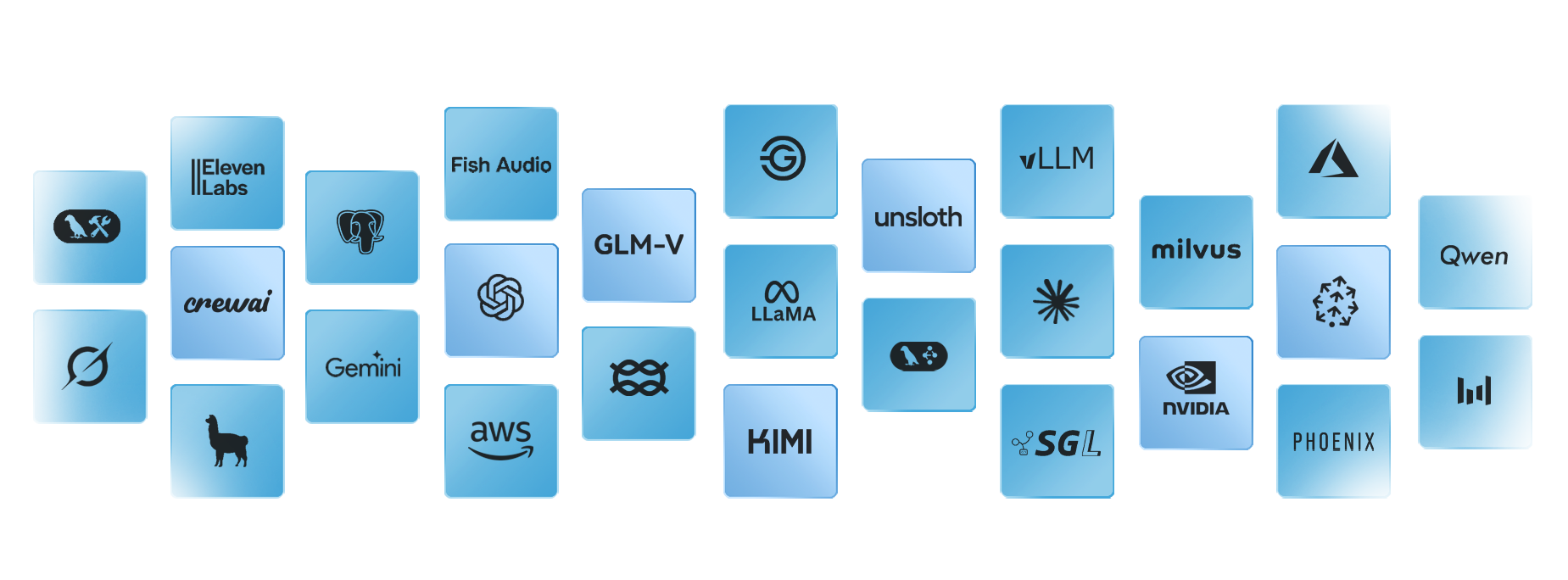
We build on established frontier models and open-source infrastructure that your internal team can pick up and run with after we hand it off.
The agent workflows we build most often
Not every workflow needs an agent These are the patterns we use when the work involves decisions, changing inputs, or coordination across systems.
Frequently asked questions
What's the difference between an agent and a chatbot, or workflow automation?

How do we evaluate an AI agent development company?
How much does an AI agent cost to build?
How long does it take to build and deploy an agent?
What happens after the agent goes live?
Who owns the agent once it's built?
Will our data be used to train public AI models?
Can this integrate with our existing systems?
What is agentic AI?
What is an AI agent?
What's the difference between an AI voice agent and a chatbot?
What happens after the agent is live

Workflow Automation
Catch the exceptions that manual processes miss, and route only the real ones to a person.
AI Governance & Readiness Review
Get the stalled-pilot problem named and fixed before it scales.
Ready to build an agent that actually runs?
Walk us through the workflow that's costing your team the most hours, and find out what it takes to put an agent on it.